Advertisement
Click to download now, finish the installation quickly, and directly unlock the all-round experience
Advertisement
Screenshots
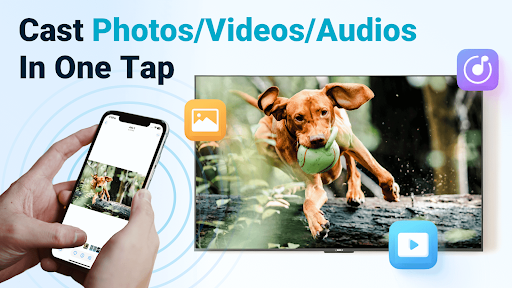
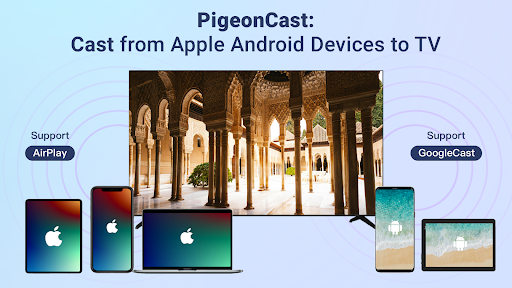
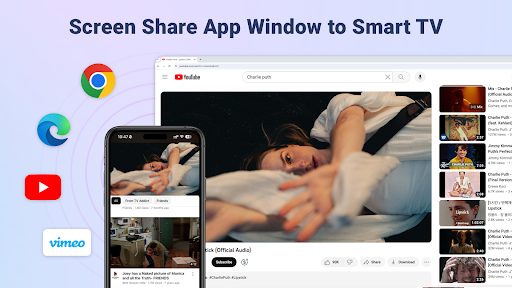
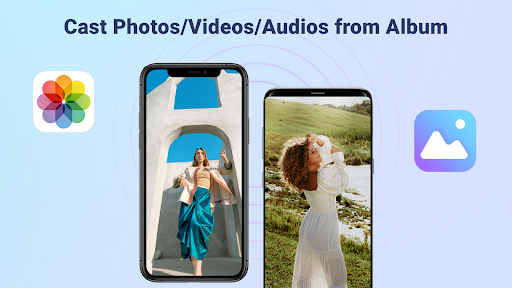
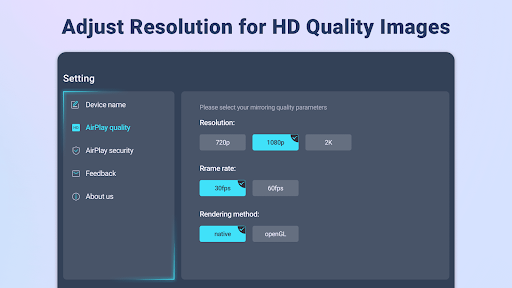
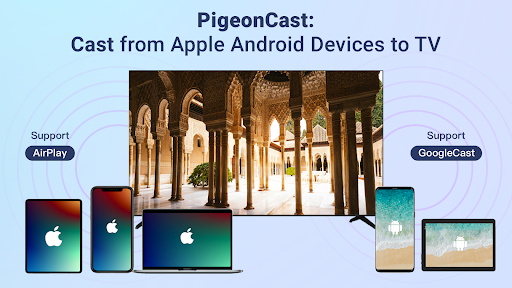
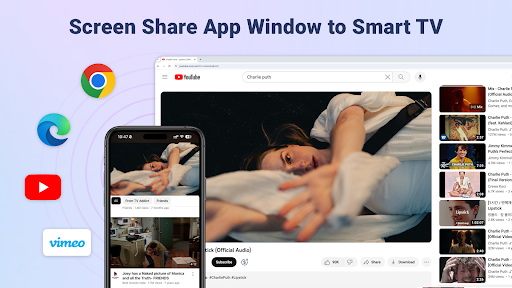
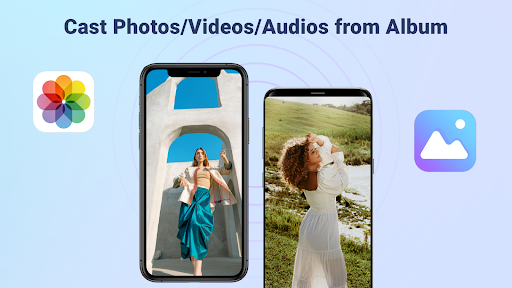
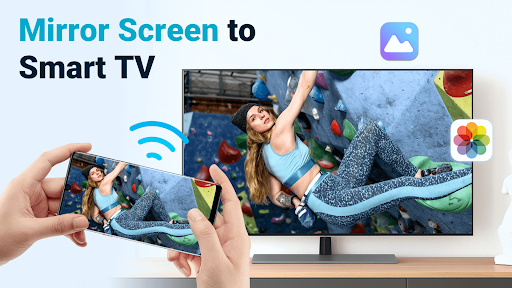
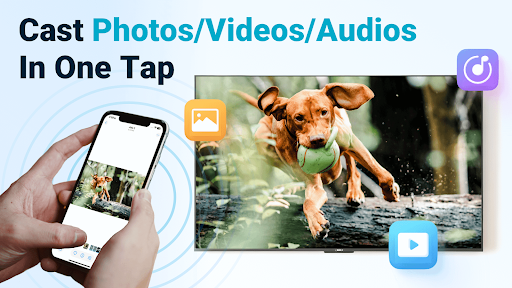
Click to download now, finish the installation quickly, and directly unlock the all-round experience
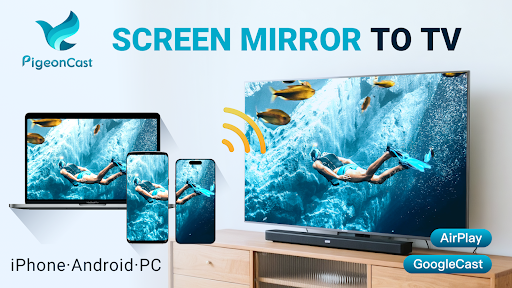
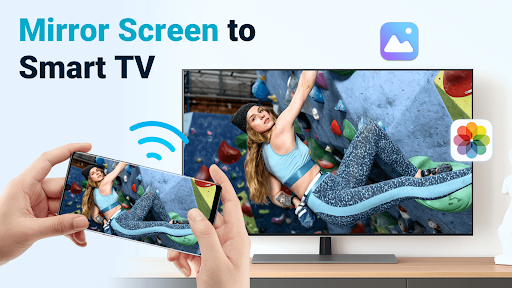
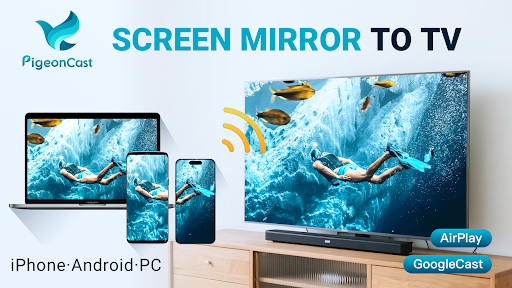
PigeonCast: TV Cast & Mirror turns a compatible TV or streaming device into a receiver for content sent wirelessly from phones and computers. It is aimed at people who want to mirror a screen for a presentation, show photos to a group, or play videos and music on a larger display.
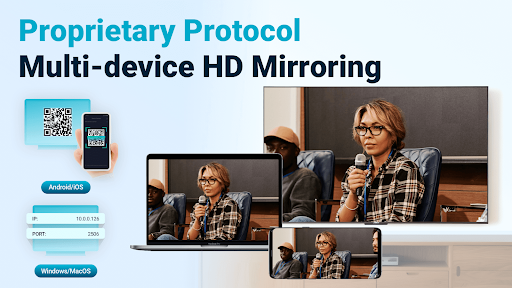
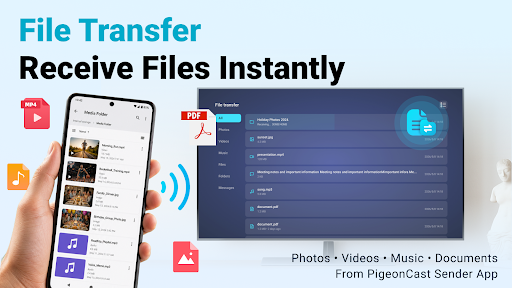
The app advertises receiving screen mirroring and media from iPhone, iPad, Android devices, Windows PCs and Macs. It lists AirPlay, Google Cast, Chromecast and DLNA support. It can also receive photos, videos, music and documents from mobile devices, and play online videos on a TV. File and folder transfers are described as working with the separate PigeonCast Sender app.
Named compatible products include Android TV, Apple TV, Roku and smart TVs from brands such as Samsung, LG, Sony and TCL. Compatibility can depend on the receiving device and the casting method, so check that your TV or streaming device supports the connection you plan to use.
PigeonCast is the developer. The app is listed in the Tools category and has 500,000+ installs. Its rating is about 4.0 out of 5, based on 7,539 ratings. Those figures offer a quick sense of its reach and user feedback, but do not guarantee that it will work with every device combination.
This is primarily a receiver for content sent from another device, rather than a description of a standalone TV streaming service. Its advertised uses span screen mirroring, media playback and wireless file transfer. Check which features apply to your setup before relying on it—for example, the file-transfer feature refers to using PigeonCast Sender, while screen mirroring depends on a supported casting connection.